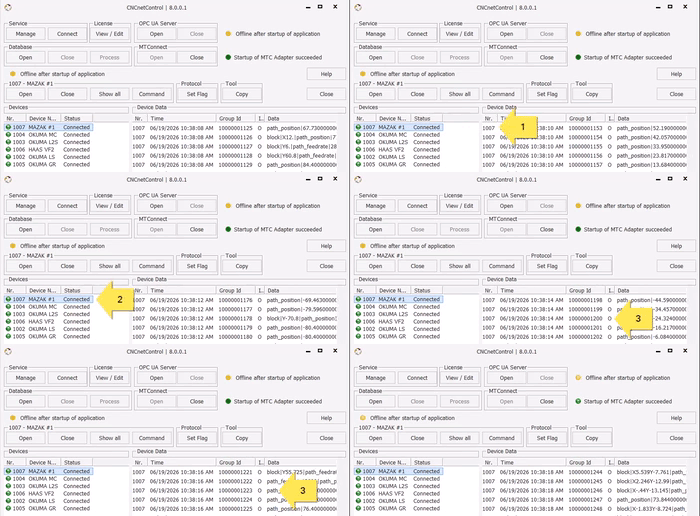
On Saturday June 20th 2026 we released a major update of our IIoT device driver for machines with MTConnect Adapters (Mazak, Okuma, Haas, Fanuc) that allows data output to OPC UA, MTConnect and/or SQL Databases.
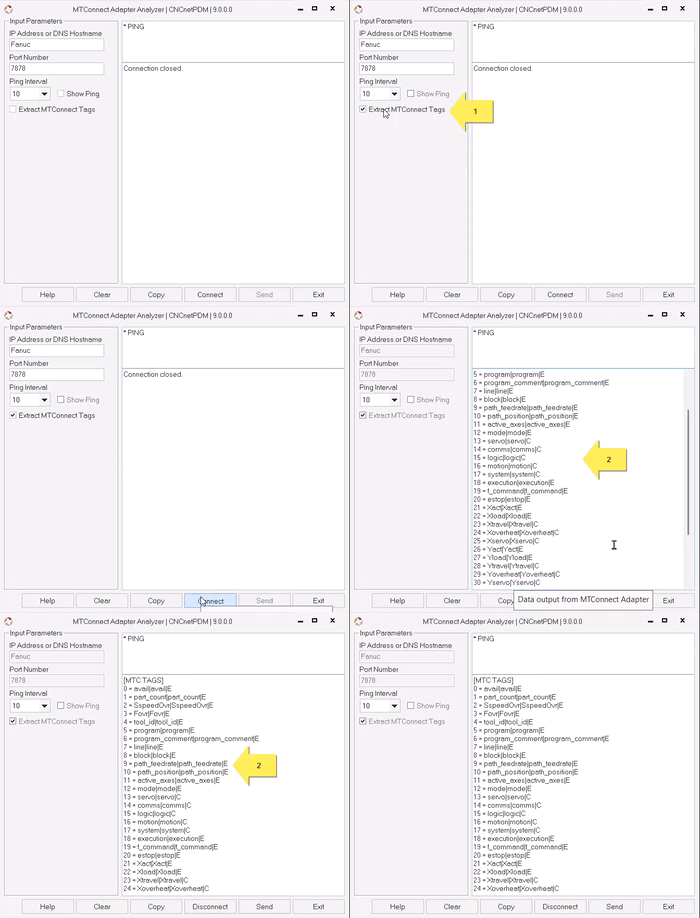
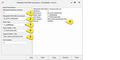
We also released a new version of our MTConnect GUI program for MTConnect Adapters that now enables extraction of ALL MTConnect tags including tag name and type (Event / Sample or Condition) from ANY MTConnect Adapter.
FIG.1: MTConnect IIoT Adapter Output
MTCCLIENT.DLL 9.0.0.0
Major problems addressed by this version:
Problem: Machine shows up as connected but does not send data
Solution: The driver now enables to define a maximum number of unsuccessful heartbeat (= ping) requests after which it automatically reconnects to the machine.
Problem: Tons of items are acquired that are not needed
Solution: The machine INI file now automatically creates a list of input tag names that allows to enable or disable acquisition of specific tag name/value pairs
Problem: Adapters from different machines output different tag names for identical items (e.g. ‘path_feedrate’ or ‘p1fact’ for feed rate)
Solution: Input tag names can now simply be translated to standardized, comparable output tag names for different machines
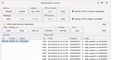
The device driver enables to automatically create a list of valid tag names and types (Events, Samples or Conditions) suitable for various controllers.
FIG.2: Extraction of MTConnect Adapter Tag Names & Types
MTCONNECT.EXE 9.0.0.0
Provides real time monitoring of MTConnect Adapters output including Timestamps, Events, Samples and Conditions
Enables analysis, automatic extraction and export of all MTConnect Tags output by any MTConnect Adapter including tag name and type, event, sample or condition
Enables sending commands to MTConnect Adapters and remote control of machines connected to CNCnetPDM